Understanding the PLC Control System in Modern Bubble Wrap Cutting Equipment
Modern packaging factories demand more than simple cutting equipment. They need precision, repeatability, flexibility, and ease of operation. This is why most advanced Bubble Wrap Cutting Machines now use PLC (Programmable Logic Controller) technology combined with a touch-screen HMI (Human Machine Interface).
Years ago, operators had to manually adjust cutting lengths, count production quantities, and monitor machine timing. These manual processes often caused errors, material waste, and inconsistent production results.
Today, PLC-controlled Bubble Wrap Cutting Machines automate nearly every step of the cutting process. Operators simply enter the required parameters, and the system controls feeding, positioning, cutting, counting, and monitoring automatically.
I often receive questions from customers who are new to automated cutting equipment. They want to understand how the PLC system works, how to enter cutting parameters, how to handle alarms, and how to use memory functions effectively.
In this guide, I will explain the most important PLC functions found in modern Bubble Wrap Cutting Machines and how operators can use them to improve production efficiency.
- A PLC-controlled Bubble Wrap Cutting Machine automates feeding, positioning, cutting, counting, and monitoring processes, delivering higher accuracy, consistency, and production efficiency.
- The touch-screen HMI allows operators to quickly set cutting length, quantity, and speed while reducing manual errors and simplifying machine operation.
- Built-in alarm diagnostics and error codes help identify issues such as material jams, servo faults, air pressure problems, and positioning errors, enabling faster troubleshooting and reduced downtime.
- Recipe storage functionality allows manufacturers to save and recall multiple production settings, improving changeover speed, workflow consistency, and quality control across different packaging applications.
- With features such as multilingual interfaces, automated counting, production tracking, and intelligent process control, PLC automation has become essential for modern, scalable packaging operations.
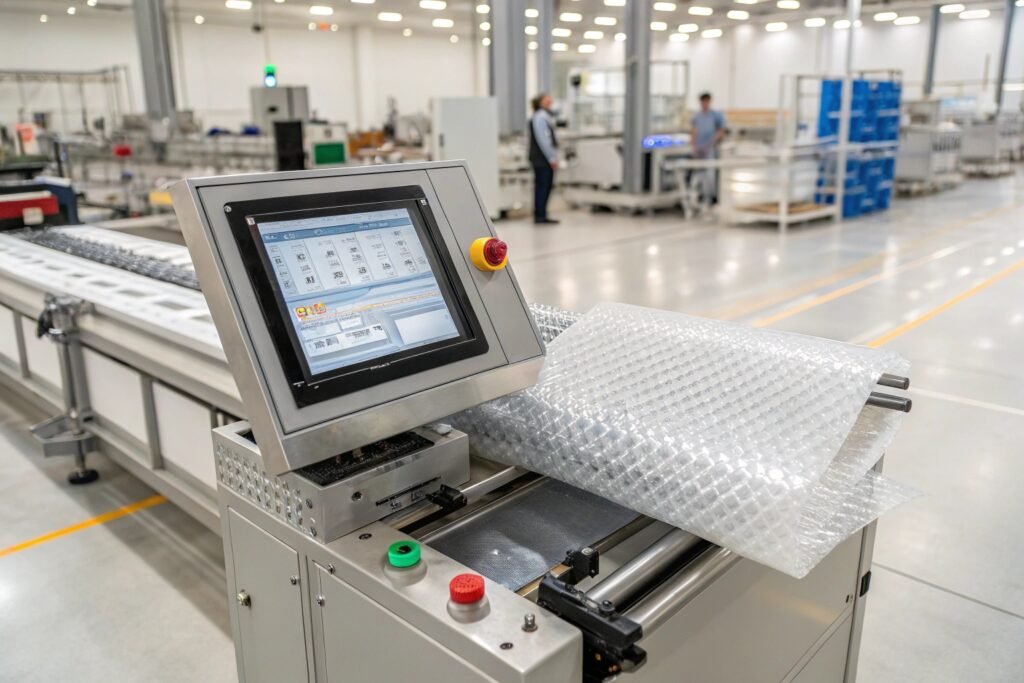
What Is a PLC Control System?
PLC stands for Programmable Logic Controller.
It is essentially the brain of the machine.
The PLC receives information from sensors and then controls machine components such as:
- Servo motors
- Pneumatic cylinders
- Feeding rollers
- Cutting mechanisms
- Safety devices
- Counting systems
The PLC continuously monitors machine operation and makes thousands of decisions every second.
Main Components of a PLC-Controlled Bubble Wrap Cutting Machine
| Component | Function |
|---|---|
| PLC Controller | Machine logic and automation |
| Touch Screen HMI | Operator interface |
| Servo Motor | Precise material feeding |
| Encoder | Position feedback |
| Sensors | Material detection |
| Pneumatic System | Blade movement |
| Safety Circuit | Operator protection |
Together, these components create a highly automated cutting system.
How Do You Input Length, Quantity, and Speed on the Touch Screen?
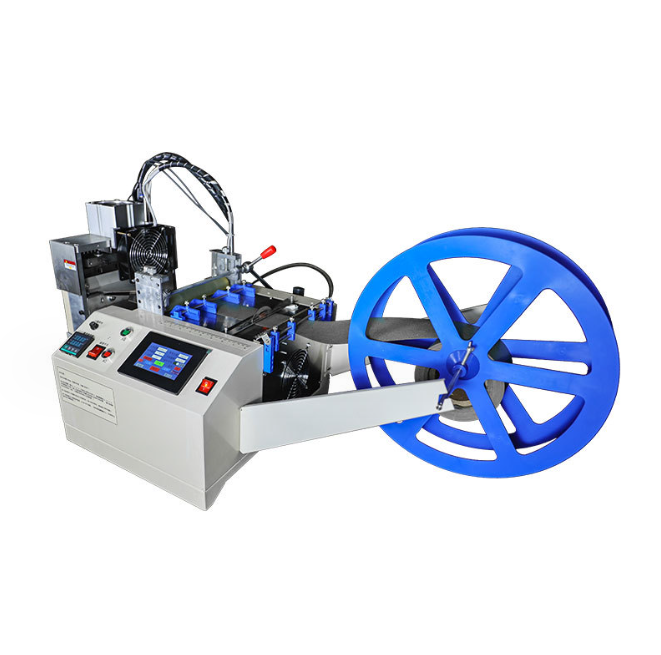
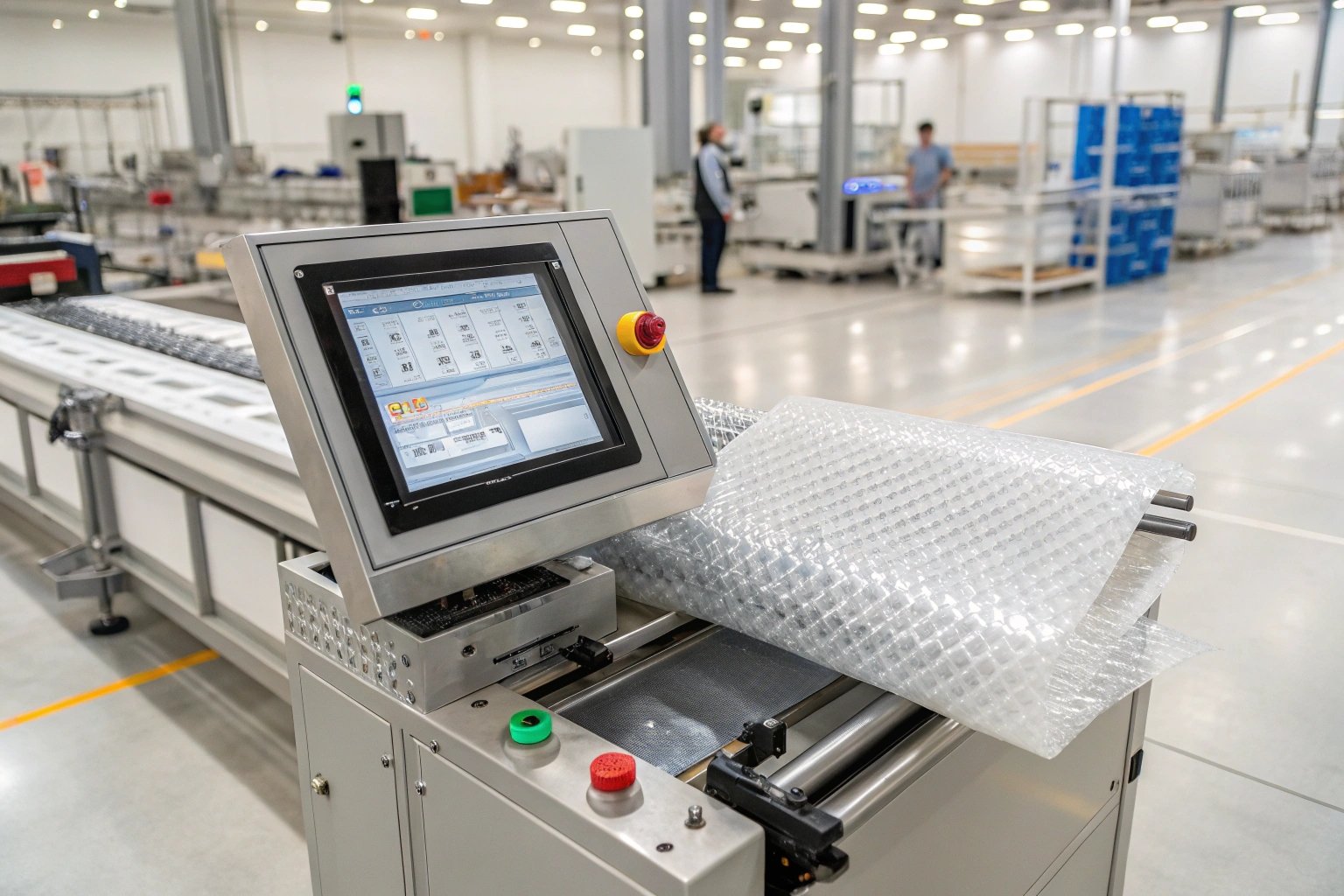
The touch screen is the primary interface between the operator and the machine.
Most modern Bubble Wrap Cutting Machines use intuitive touch-screen controls that require very little training.
Step 1: Access the Production Screen
After powering on the machine, the main operation screen typically appears.
The screen usually displays:
- Cutting length
- Production quantity
- Cutting speed
- Current production count
- Machine status
Typical Main Screen Layout
| Parameter | Description |
|---|---|
| Length | Length of each cut |
| Quantity | Number of pieces required |
| Speed | Feeding and cutting speed |
| Counter | Completed pieces |
| Status | Machine operating condition |
Step 2: Enter Cutting Length
Touch the Length field.
The numeric keypad will appear.
Enter the desired cutting length.
For example:
| Product | Length Setting |
|---|---|
| Small packaging sheet | 300 mm |
| Medium packaging sheet | 500 mm |
| Large packaging sheet | 1000 mm |
| Automotive packaging | 2000 mm |
Press Confirm after entering the value.
The PLC automatically stores the parameter.
Step 3: Enter Quantity
Touch the Quantity field.
Enter the required production quantity.
Examples:
| Order Type | Quantity |
|---|---|
| Sample order | 100 pcs |
| Daily production | 5,000 pcs |
| Bulk order | 20,000 pcs |
Once the target quantity is reached, the machine automatically stops.
This feature prevents overproduction and material waste.
Step 4: Adjust Cutting Speed
Touch the Speed setting.
Most machines allow operators to select:
- Slow
- Medium
- High
- Custom speed
Speed Selection Example
| Material Type | Recommended Speed |
|---|---|
| Thin bubble wrap | High |
| Standard bubble wrap | Medium |
| Thick bubble wrap | Medium |
| Foam laminate | Low |
| Heavy-duty protective materials | Low |
Proper speed adjustment improves cutting quality and reduces machine wear.
Why PLC Speed Control Improves Accuracy
The PLC continuously synchronizes:
- Material feeding
- Blade movement
- Position detection
- Production counting
This coordination significantly improves cutting consistency.
The same PLC technology is widely used in a webbing tape cutting machine, hot and cold cutting machine, and high-speed trademark cutting machine, where precision is critical.
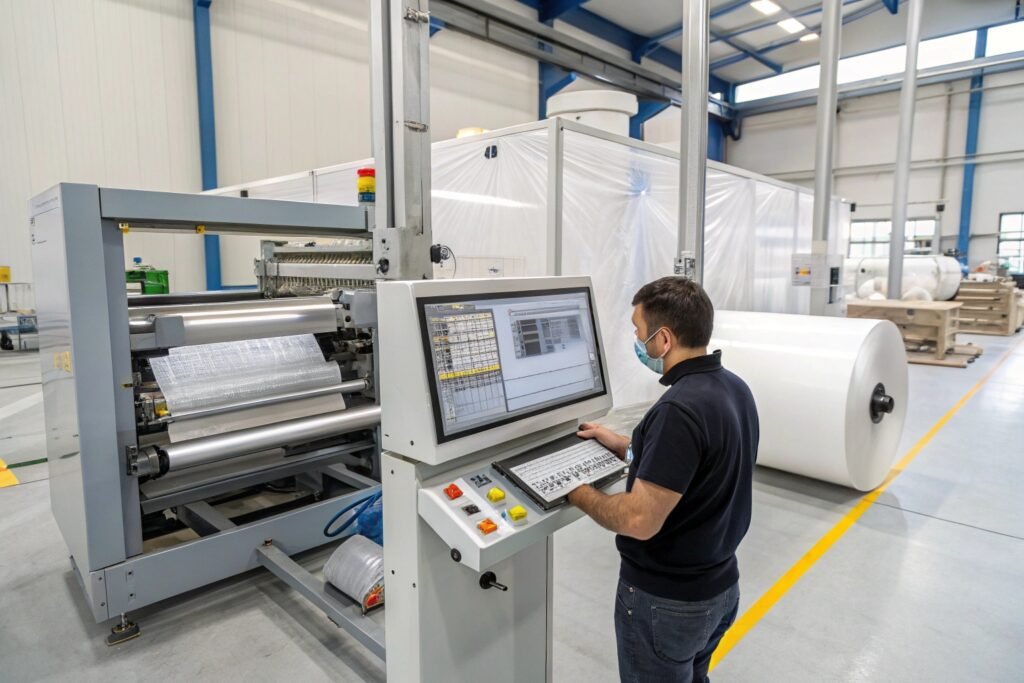
What Do the Common Error Codes on the PLC Screen Mean and How Do You Reset Them?
One major advantage of PLC control is automatic fault diagnosis.
When a problem occurs, the PLC generates an alarm code to help operators quickly identify the issue.
Why Error Codes Are Important
Without PLC diagnostics, troubleshooting can take hours.
With error codes, operators can locate problems within minutes.
Common PLC Alarm Codes
E01 – Emergency Stop Activated
Cause:
- Emergency stop button pressed
- Safety circuit interrupted
Solution:
- Release emergency stop button.
- Check safety switches.
- Press Reset.
E02 – Material Feed Error
Cause:
- Material jam
- Sensor blockage
- Feed roller slippage
Solution:
- Remove material obstruction.
- Clean sensors.
- Restart feeding system.
E03 – Servo Motor Alarm
Cause:
- Motor overload
- Encoder communication issue
- Mechanical resistance
Solution:
- Inspect motor load.
- Check drive connections.
- Reset servo drive.
E04 – Low Air Pressure
Cause:
- Compressor issue
- Air leak
- Regulator failure
Solution:
- Check pressure gauge.
- Inspect pneumatic tubing.
- Restore proper pressure.
E05 – Cutting Position Error
Cause:
- Sensor misalignment
- Encoder issue
- Material slippage
Solution:
- Verify sensor alignment.
- Inspect encoder.
- Perform calibration.
General PLC Reset Procedure
Most PLC-controlled machines follow this sequence:
Step 1
Identify the alarm source.
Step 2
Correct the problem.
Step 3
Press Alarm Reset.
Step 4
Return to Home Screen.
Step 5
Restart operation.
Alarm Troubleshooting Table
| Error Code | Typical Cause | Reset Required |
|---|---|---|
| E01 | Emergency stop | Yes |
| E02 | Material jam | Yes |
| E03 | Servo fault | Yes |
| E04 | Air pressure issue | Yes |
| E05 | Position error | Yes |
The exact codes vary between machine manufacturers, but the troubleshooting process remains similar.
Can You Store Multiple Pre-Set Cutting Sizes in the Machine Memory?
One of the most valuable PLC functions is recipe storage.
Recipe storage allows operators to save production parameters for future use.
This is especially useful when factories process multiple products every day.
Why Memory Functions Improve Efficiency
Without stored programs:
Operators must manually enter:
- Length
- Quantity
- Speed
- Feeding parameters
every time production changes.
This increases setup time and introduces human error.
How Recipe Storage Works
Most modern PLC systems allow operators to create production programs.
Example Product Library
| Program Name | Length | Speed |
|---|---|---|
| Small Sheet | 300 mm | High |
| Medium Sheet | 500 mm | Medium |
| Large Sheet | 1000 mm | Medium |
| Bumper Wrap | 2000 mm | Low |
The operator simply selects the desired recipe.
The PLC automatically loads all parameters.
Benefits of Stored Production Recipes
Faster Changeovers
Switch between products within seconds.
Improved Consistency
Every production run uses identical settings.
Reduced Training Requirements
New operators can load stored recipes without entering complex parameters.
Better Production Management
Standardized settings improve quality control.
For factories running multiple SKUs daily, recipe storage can save many hours each week.
This feature is also commonly found in a round shape cutting machine, automatic punching cutting machine, and different shapes cutting machine.
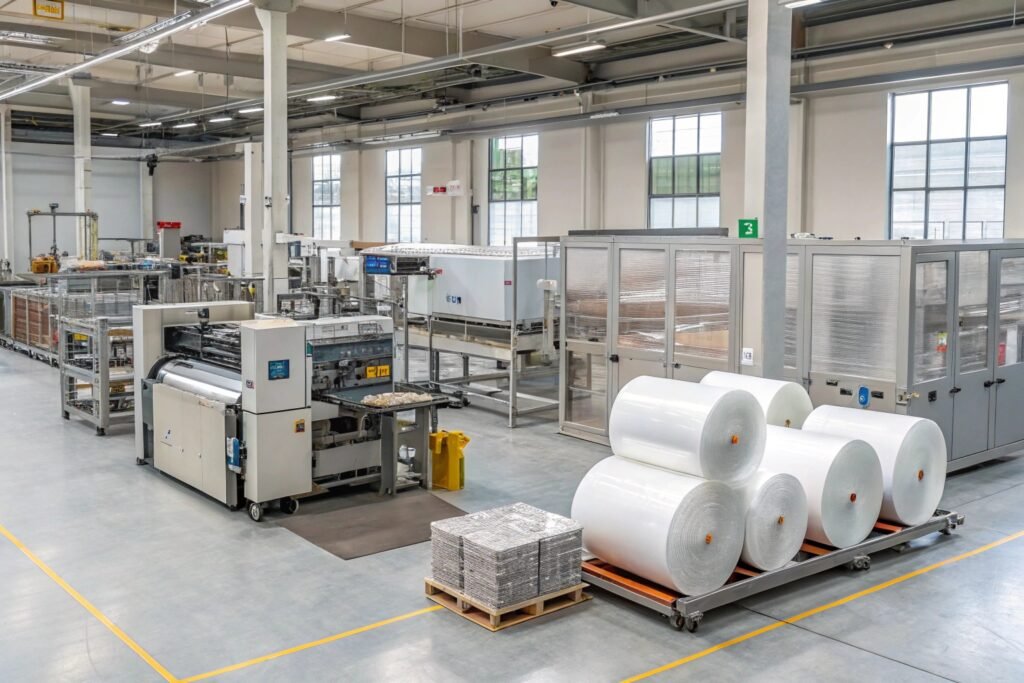
How to Switch the Operator Interface Language Between English and Chinese?
Many international factories employ operators who speak different languages.
Modern HMIs therefore support multilingual operation.
The most common language options include:
- English
- Chinese
- Spanish
- Russian
- French
- German
Typical Language Switching Procedure
Step 1
Open the System Settings menu.
Step 2
Select Language Settings.
Step 3
Choose desired language.
Step 4
Press Confirm.
Step 5
Restart the HMI if required.
Example Language Menu
| Option | Language |
|---|---|
| EN | English |
| 中文 | Chinese |
| ES | Spanish |
| DE | German |
| FR | French |
After selection, most interfaces automatically update all menu labels and operating screens.
Benefits of Multilingual Interfaces
Faster Operator Training
Employees learn machine operation more quickly.
Fewer Operating Errors
Operators clearly understand instructions.
Easier International Deployment
The same machine can be installed globally.
Improved User Experience
Language barriers are minimized.
This flexibility is particularly important for export-oriented factories and multinational packaging operations.
Advanced PLC Functions Found in Modern Bubble Wrap Cutting Machines
Modern PLC systems offer much more than basic length control.
Advanced functions may include:
Production Statistics
- Daily output
- Weekly output
- Monthly output
Maintenance Reminders
- Blade replacement alerts
- Lubrication reminders
- Inspection notifications
Remote Diagnostics
Engineers can access machine status remotely.
Production Traceability
Operators can review previous production records.
Network Communication
Support for:
- Modbus
- Ethernet
- Industrial communication protocols
These functions improve productivity and simplify machine management.
Why PLC Automation Is Becoming Essential in Packaging Operations
As labor costs continue to rise, manufacturers increasingly depend on automation.
PLC-controlled Bubble Wrap Cutting Machines provide:
| Benefit | Impact |
|---|---|
| Better accuracy | Less waste |
| Faster production | Higher output |
| Recipe storage | Reduced setup time |
| Alarm diagnostics | Faster troubleshooting |
| Multilingual operation | Easier training |
| Automated counting | Better inventory control |
The result is a more efficient and reliable packaging operation.
HAOXINHE Insights
At HAOXINHE, I have seen how PLC automation transforms production efficiency across packaging, printing, textile, automotive, and industrial manufacturing sectors.
Our machines are designed to provide user-friendly PLC control systems that allow operators to quickly learn machine operation while maintaining high cutting accuracy.
Our equipment portfolio includes:
- Bubble Wrap Cutting Machine
- Webbing Tape Cutting Machine
- Webbing Ribbon Cutting Machine
- Hot and Cold Cutting Machine
- High-Speed Trademark Cutting Machine
- Automatic Punching Cutting Machine
- Round Shape Cutting Machine
- Rotary Bevel Cutting Machine
- Different Shapes Cutting Machine
- Computer Tube Cutting Machine
- Wire Cutting and Stripping Machine
- PVC Edge Banding Cutting Machine
- Protective Foam Cutting Machine
- Metal Pipe Cutting and Beveling Machine
Why Customers Value HAOXINHE PLC Systems
| HAOXINHE Feature | Customer Benefit |
|---|---|
| Touch-screen operation | Easy learning |
| Recipe storage | Faster setup |
| Multi-language support | Global usability |
| Alarm diagnostics | Reduced downtime |
| Stable PLC architecture | Long-term reliability |
A modern PLC system is no longer just an optional feature. It has become the foundation of efficient, accurate, and scalable production. By understanding how to use the PLC interface properly, operators can maximize machine performance, reduce errors, and improve overall packaging productivity.